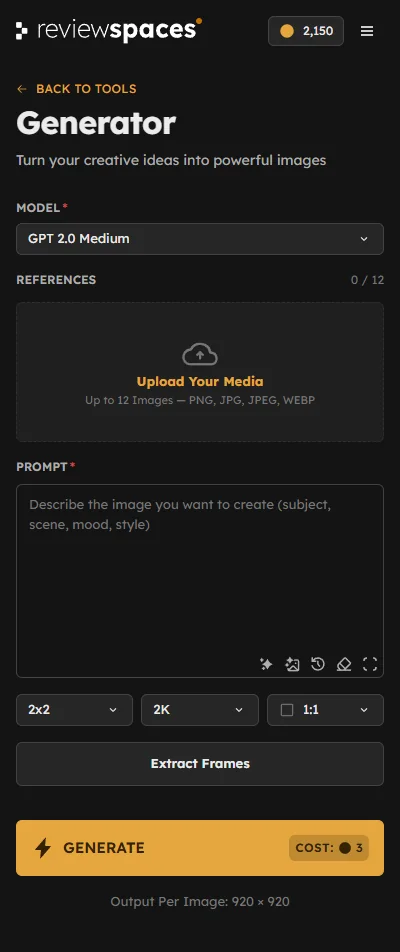
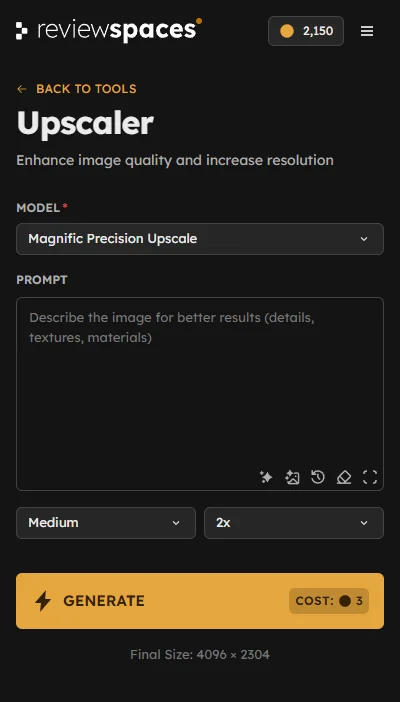
Build on your own work
Start with your render, design, or photograph. Try warmer light, a new material, or a different detail. Describe the change and refine your image in Photoshop.

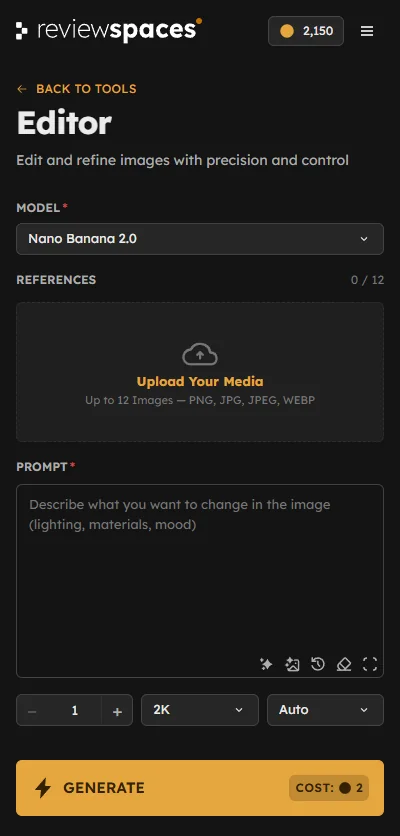

See what a different light, material, or viewpoint can bring to your work. Create and refine images with integrated AI tools, without separate provider accounts or API keys.
Start with your own image or a new idea. Choose the tool you need.
Start with your render, design, or photograph. Try warmer light, a new material, or a different detail. Describe the change and refine your image in Photoshop.
Choose the model that suits your image, without leaving Photoshop.
For the way you think, design, and present.
Nine tools for the ideas you explore and the images you deliver.

Refine materials and objects. Shape light and atmosphere. All with a simple prompt.

Explore new camera angles. Reconsider the composition. Find the view that tells the story.

Explore new design directions. Compare styles and moods. Choose what to develop next.

Give textures more definition. Let the materials read clearly. Prepare images for presentation.
Give everyone the tools to explore, with shared credits and a clear view of how your studio uses them.
Give each team the models it needs. Create and share keys for different teams or departments.
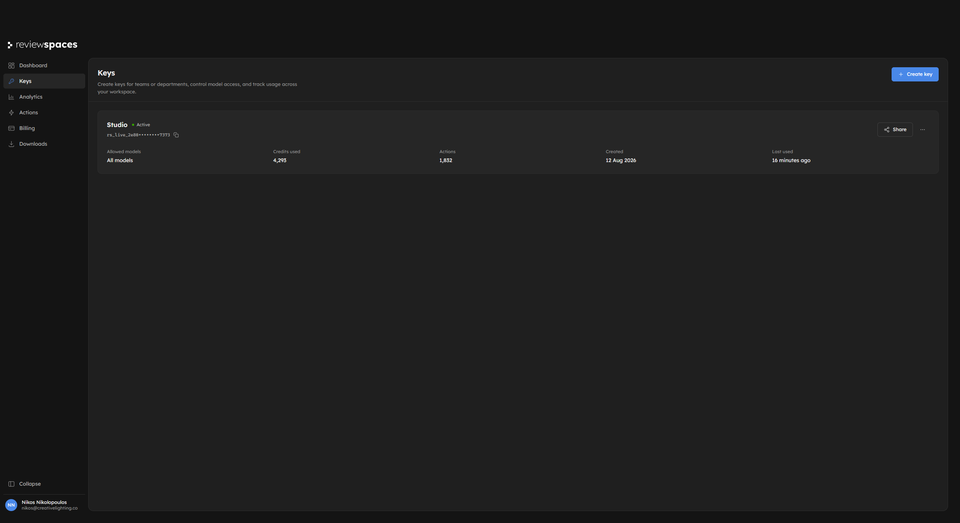
See credit use by model and team key. Plan your budget around the way your team actually works.
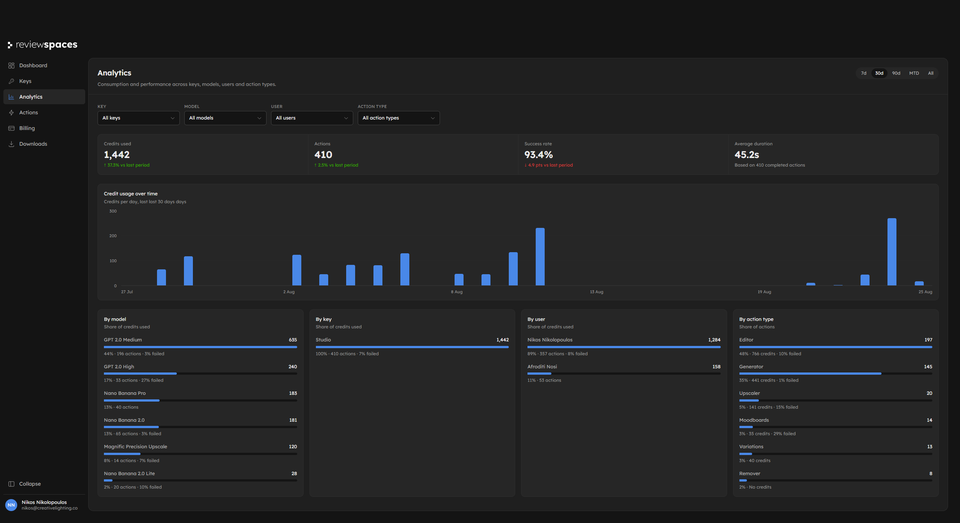
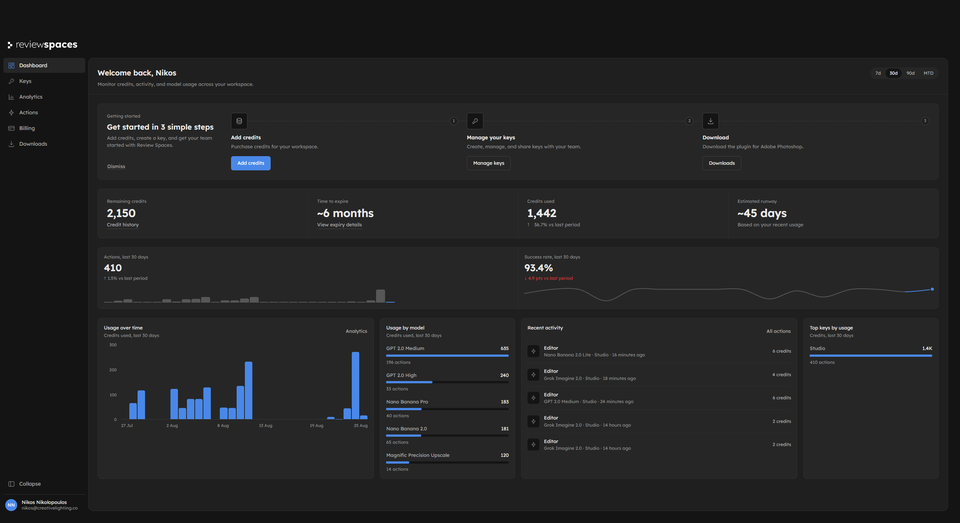
See your balance, activity, and usage together. Know where things stand before your team starts its next project.
For your next image or your whole team. No per-seat fee.
100 credits
200 credits
500 credits
1,000 credits
Each example assumes the full balance. Credits are valid for 180 days.
Taxes, where applicable, are calculated at checkout.
No. Review Spaces uses prepaid credits. Purchase credits when you need them and use one shared balance across the available tools and integrated AI models.
Install it from Adobe Exchange or use the direct download from Review Spaces. Open Photoshop, launch Review Spaces, and complete the short setup to get started.
No. The supported models are available through Review Spaces. Team members do not need separate model accounts, subscriptions, or API keys.
Yes. Your team can use separate keys linked to one shared credit balance, while Admin keeps activity and usage visible.
Review Spaces does not claim ownership of your creative content. You retain rights to your inputs; rights in AI outputs depend on applicable law and provider terms. See the Terms of Service for details.

Create an account for full Admin access and 10 free credits to start.
With your permission, we use Google Analytics to understand which pages visitors use and improve our website. You can change your choice anytime in Cookie settings. Privacy policy