Study materials in context
Compare facade finishes, planting, and light on your own render. Select an area in Photoshop and describe the change, then review how it fits the building and its surroundings.
Explore EditorBring the thinking behind your design into view. Explore form, facade materials, and context in Photoshop, starting from a render, sketch, or idea.
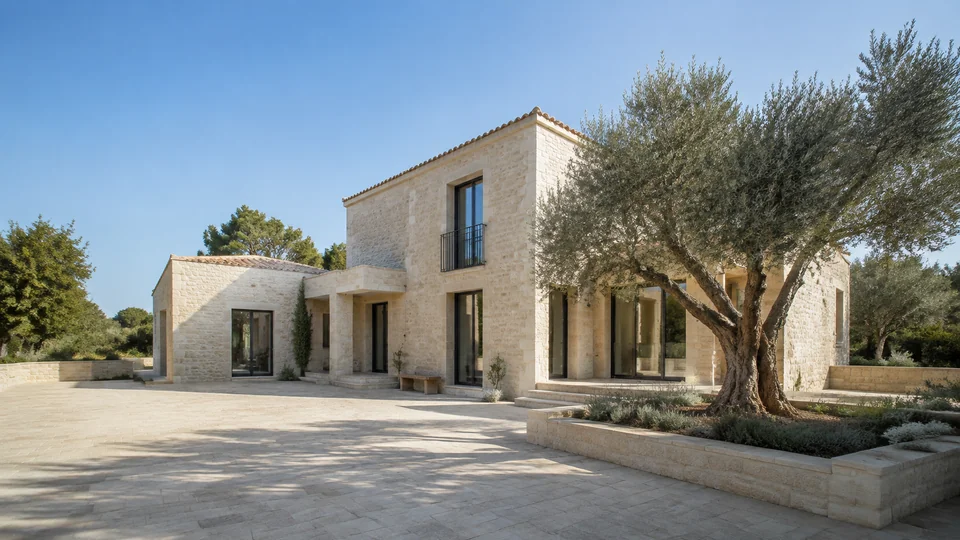
How does a material change the character of a facade? How does the building sit within its landscape? Explore these questions in images, so your next design discussion starts with something you can see.
Bring your render or sketch into Photoshop. Work on a selected area or the wider image, then review the results against your brief. Keep the changes that strengthen the proposal and set the rest aside.
Compare facade finishes, planting, and light on your own render. Select an area in Photoshop and describe the change, then review how it fits the building and its surroundings.
Explore EditorChoose a direction in Variations and generate alternatives from your image, without writing a prompt. Compare how each option changes the proposal and decide what to develop.
Explore VariationsBring the materials and details of your chosen image into clearer focus with Upscaler. Increase resolution, then finish in Photoshop for a client meeting, design review, or competition.
Explore UpscalerAn early concept may need an image. An existing proposal may need a different view. Use Generator to develop a visual starting point or Director to explore another angle. Begin with what you have and use the results to ask better questions about the design.
These are image-based explorations. They do not update your CAD or BIM model, verify dimensions, or replace technical design checks. Review each result against your architectural intent before presenting it.
Create separate keys for project teams, competitions, or offices, all drawing from one credit balance. Give each team the models it needs and follow usage in Admin while the design work continues in Photoshop.
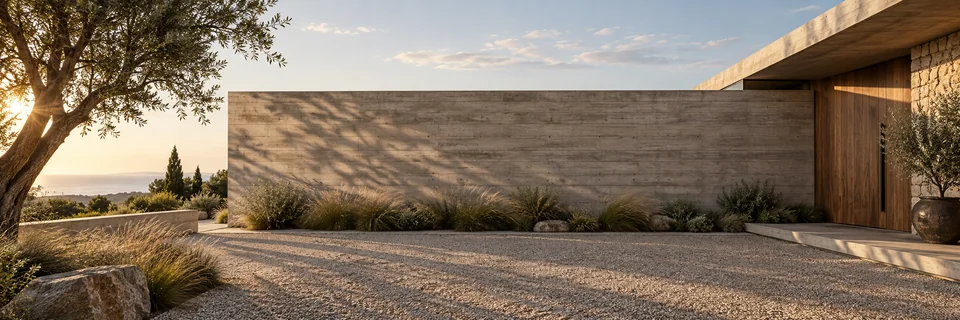
Explore form, materials, and context with 10 free credits.
With your permission, we use Google Analytics to understand which pages visitors use and improve our website. You can change your choice anytime in Cookie settings. Privacy policy