Study planting and materials
Select an area and try a different planting palette, paving finish, or bench. Compare how it relates to the wider site, then refine the result in Photoshop for your next design review.
Explore EditorBuild on your landscape render, sketch, or site photograph. Explore planting, materials, and seasons with AI in Photoshop to show how a space could feel.
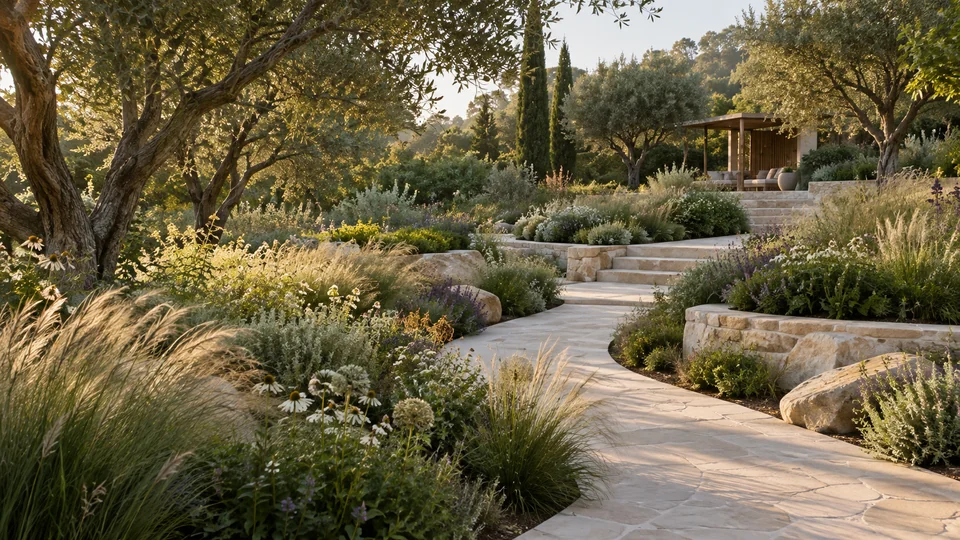
A path shapes how people move. Planting frames a view. Materials and seasons change the experience. Explore these relationships in images to show the character of a garden, park, or public space.
Bring your own site image or proposal into Photoshop. Work on a planting bed, a seating area, or the wider composition. Compare the results with your brief and keep the ideas that support the landscape you want to create.
Select an area and try a different planting palette, paving finish, or bench. Compare how it relates to the wider site, then refine the result in Photoshop for your next design review.
Explore EditorChoose Landscape to explore planting and outdoor design, or Season to compare foliage and weather. Generate alternatives from your project image without a prompt, or add a few words to guide the study.
Explore VariationsBring foliage, stone, timber, and other finishes into a visual moodboard based on your project. Give clients and collaborators a common reference for discussing the character of the outdoor spaces.
Explore MoodboardsUse References to explore landscape imagery, or Generator to develop an early visual idea. Begin with an existing proposal when you have one, and bring your selected studies together in Photoshop for a conversation about the site.
Generated planting and site features are visual proposals, not planting schedules or technical plans. Confirm species suitability, dimensions, levels, drainage, and accessibility separately. Review every image against the actual site before presenting it.
Give project teams or offices separate keys and access to the models they need. Share one credit balance and manage usage, purchases, and invoices in Admin. Full Admin access is included with every account.
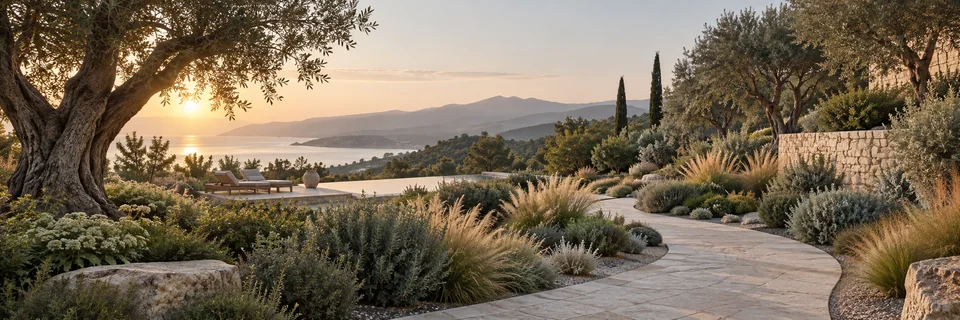
Explore planting, materials, and seasons with 10 free credits.
With your permission, we use Google Analytics to understand which pages visitors use and improve our website. You can change your choice anytime in Cookie settings. Privacy policy