Refine light and detail
Focus on an area where the light needs attention or a distraction pulls the eye. Describe the edit, then compare it with the original and use Photoshop layers and masks to shape the final result.
Explore EditorBuild on your photographs of buildings and interiors. Refine light, color, framing, and detail with AI in Photoshop, guided by the way you saw the space.
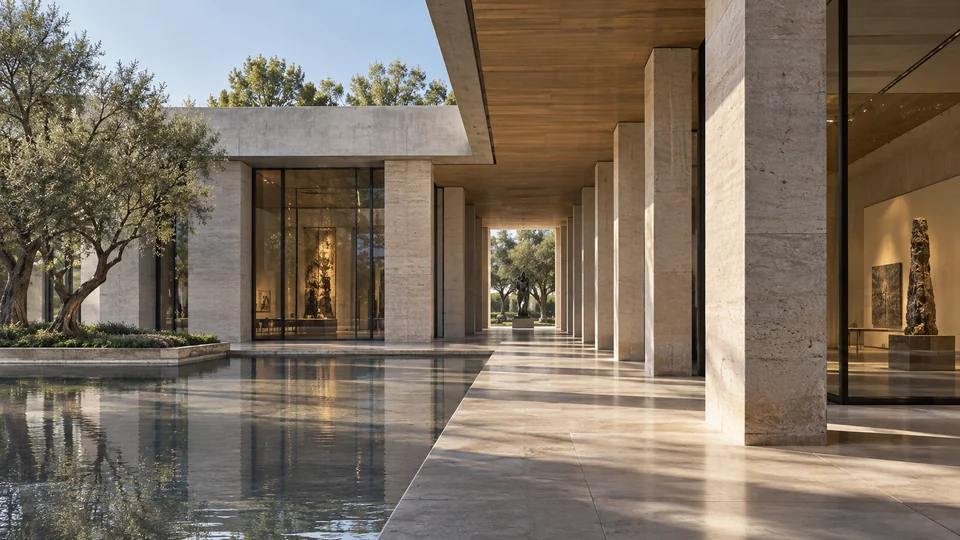
Your choice of viewpoint, timing, and composition gives an architectural photograph its character. Build on that work in Photoshop, bringing attention to the light, materials, and details that drew you to the space.
Bring the photograph into Photoshop and identify what needs attention. Work on a selected area or explore a different framing, then compare with the original. Keep the adjustments that serve the image and the purpose of the commission.
Focus on an area where the light needs attention or a distraction pulls the eye. Describe the edit, then compare it with the original and use Photoshop layers and masks to shape the final result.
Explore EditorExplore an expanded frame for a portfolio, presentation, or editorial layout. Reframe generates content beyond the original edges, so review added architecture and surroundings before finishing the composition in Photoshop.
Explore ReframeIncrease resolution for your chosen image, then inspect surfaces, edges, and fine detail at full size. Compare against the source photograph and make your final adjustments in Photoshop for the intended delivery.
Explore UpscalerUse Describe Image to develop a prompt from a visual reference, or Enhance Prompt to clarify an edit you want to explore. These tools support your decisions; the original capture remains your reference when you review the result.
AI can invent or alter architectural details, reflections, and surroundings. Check results against the original photograph and agree with your client on appropriate use of AI. Do not present generated changes as an unaltered record of the building.
Give photographers and retouchers separate keys with the model access they need. Share one credit balance and manage usage, purchases, and invoices in Admin, while image finishing stays within your Photoshop workflow.
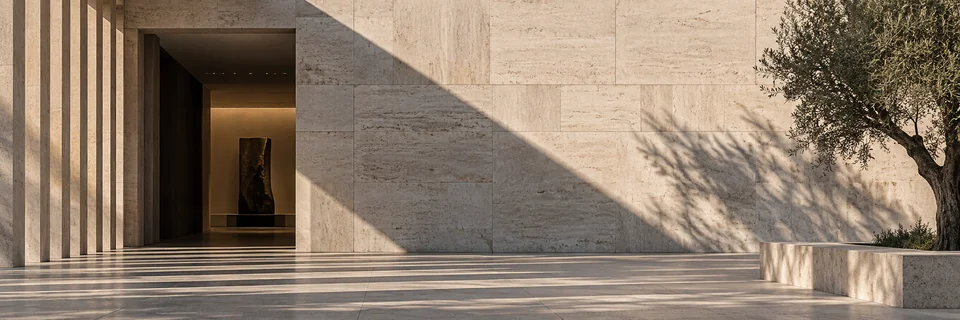
Refine light, framing, and detail with 10 free credits.
With your permission, we use Google Analytics to understand which pages visitors use and improve our website. You can change your choice anytime in Cookie settings. Privacy policy