Shape light and contrast
Select a wall, ceiling, or focal area and describe the lighting effect you want to explore. Study the visual balance between light and shadow, then refine the result within your Photoshop composition.
Explore EditorUse your render or photograph to explore how light reveals texture and guides the eye. Develop and share your lighting ideas with AI in Photoshop.
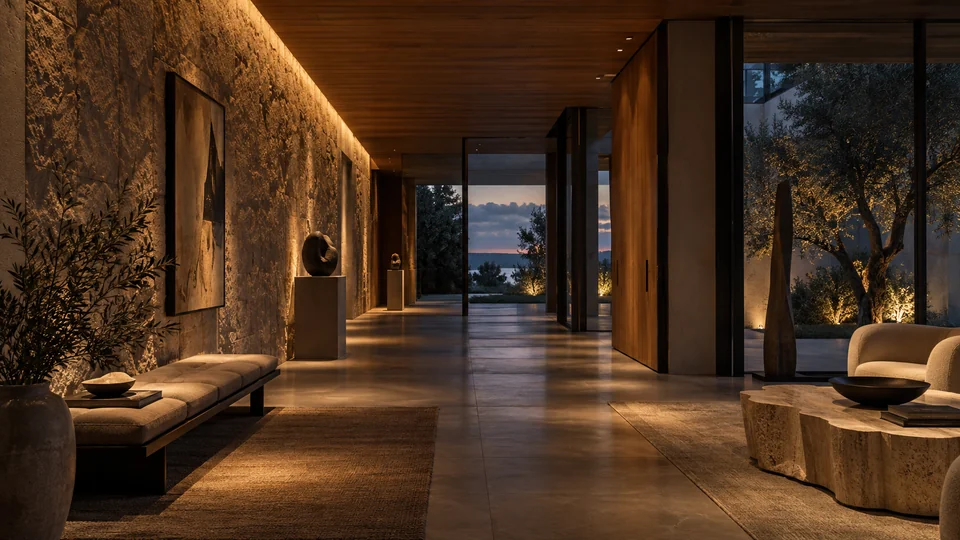
Light can draw attention to a surface, reveal a texture, or give a room a quieter mood. Use images to explore that visual intention, so a client or design team can understand more than a fixture location on a plan.
Study indirect light in an interior, a highlighted entrance, or contrast across a facade. Work on a selected area of your project image in Photoshop, then compare the results against your lighting brief.
Select a wall, ceiling, or focal area and describe the lighting effect you want to explore. Study the visual balance between light and shadow, then refine the result within your Photoshop composition.
Explore EditorChoose Lighting in Variations to compare different atmospheres from the same project image. Generate alternatives without a prompt, or add a few words to guide the result toward the balance of light and shadow you have in mind.
Explore VariationsChoose Lighting in Moodboards to connect light, materials, and atmosphere in a visual brief. Give architects, interior designers, and clients a reference for discussing the intended experience alongside the technical design.
Explore MoodboardsFind visual references for grazing light, concealed sources, or a particular atmosphere. Describe Image can turn a reference into a prompt, while Enhance Prompt helps you express the lighting change you want to explore in your chosen tool.
These images are visual studies, not photometric simulations. They do not verify illuminance, glare, fixture performance, or compliance. Confirm the lighting design with appropriate calculations and specifications, and review results before presenting them.
Create separate keys for project teams and choose their model access. Keep one credit balance, with usage, top-ups, and invoices managed in Admin, while your team develops the visual studies in Photoshop.
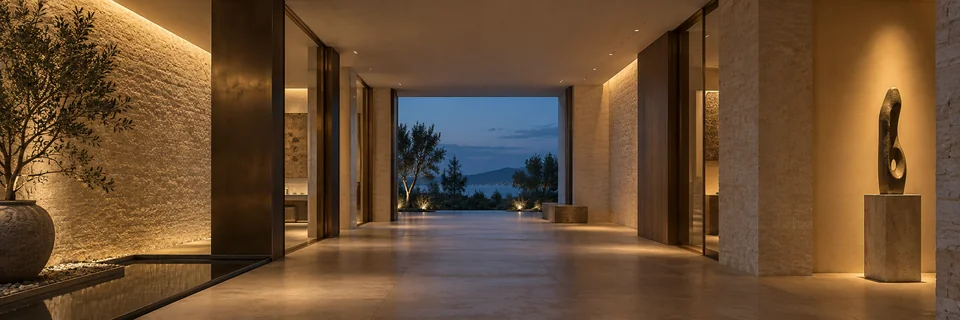
Explore contrast, depth, and atmosphere with 10 free credits.
With your permission, we use Google Analytics to understand which pages visitors use and improve our website. You can change your choice anytime in Cookie settings. Privacy policy